
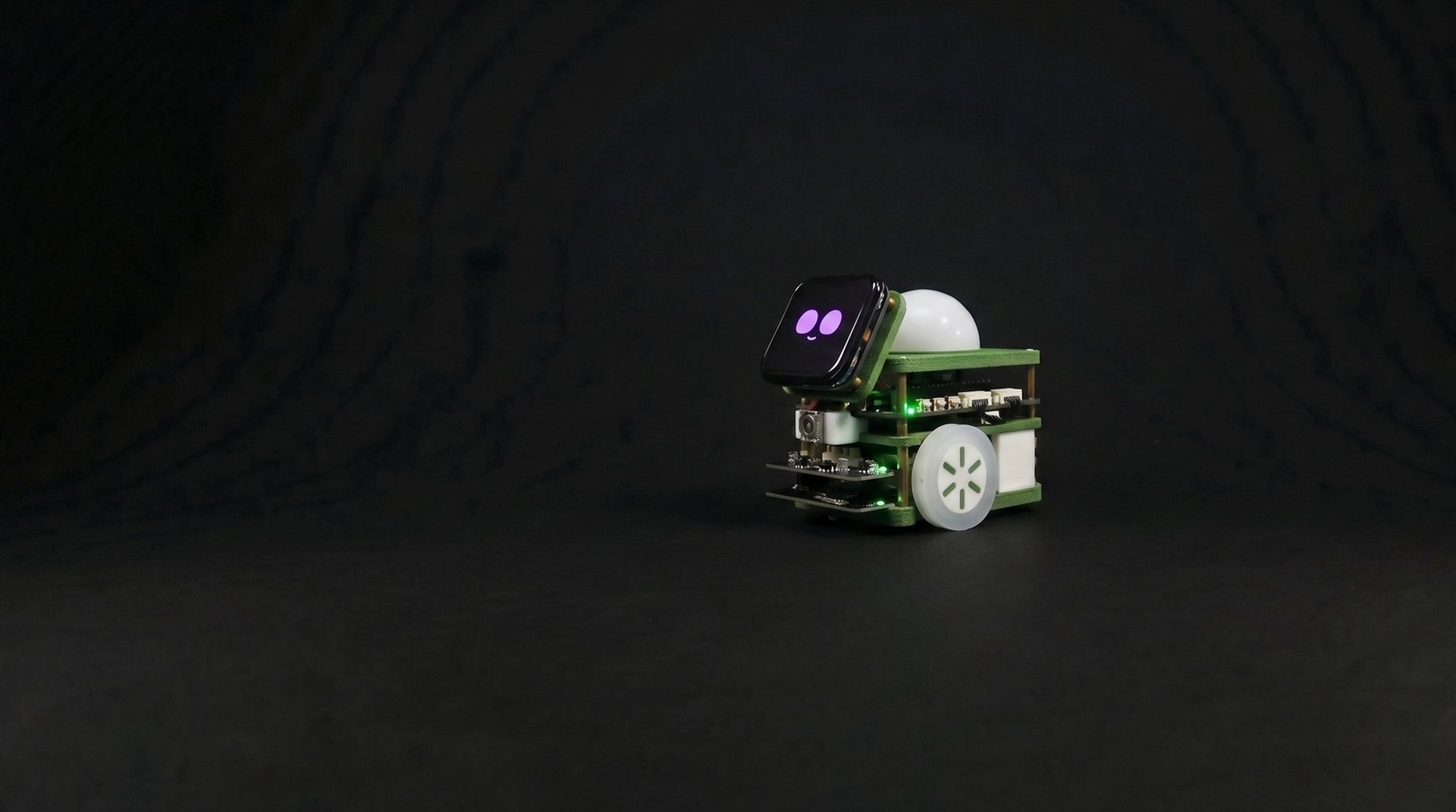
I'm Tiny,
But I Do It All!
Pinky Zero!
A Friendly Mobile Robot, Three Times Smaller
Introduce Product
Pinky Zero
(Pinky Zero)
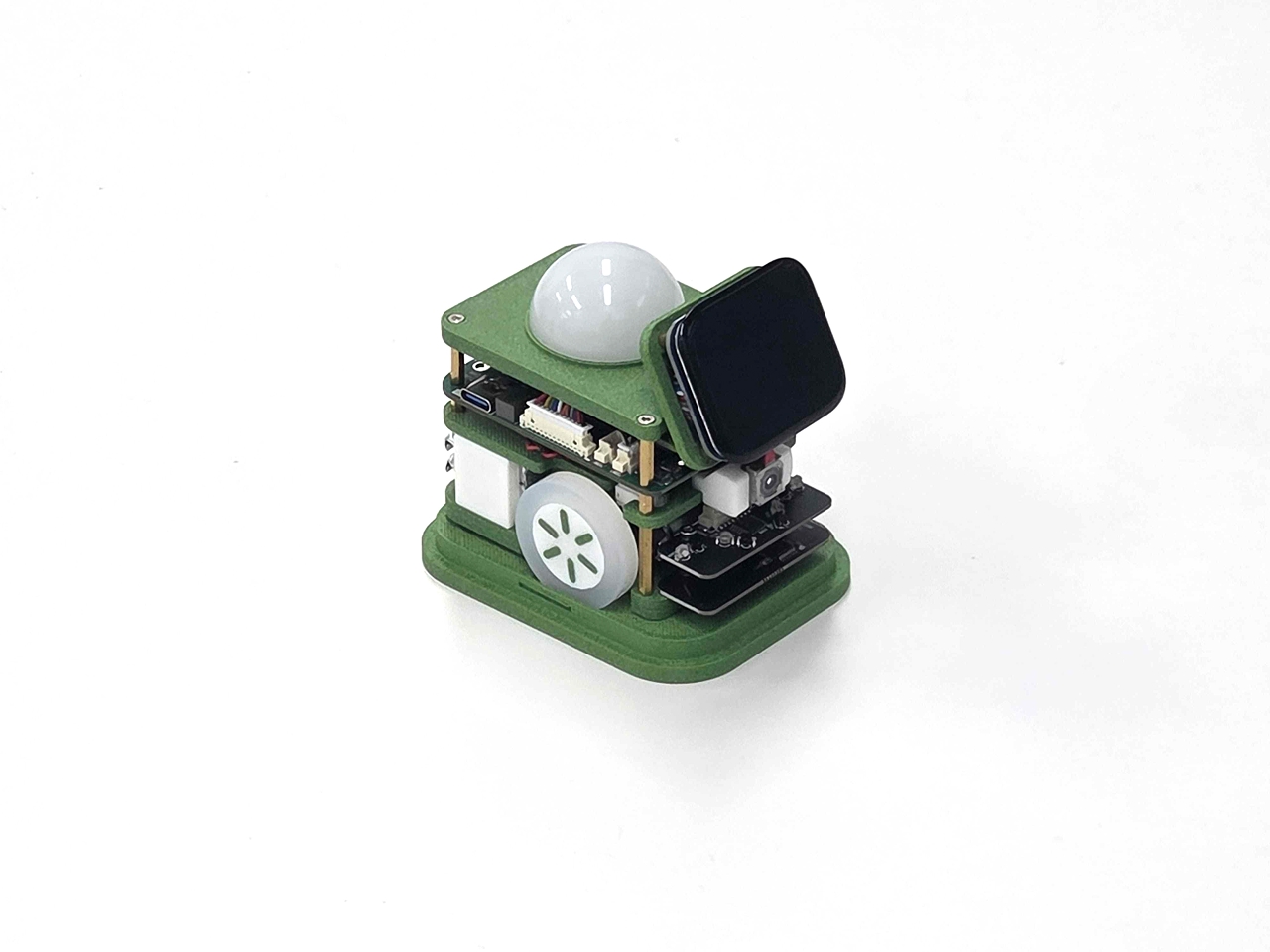
An ultra-compact mobile robot, three times smaller than Pinky Pro
The server runs inside the robot,
while your control code runs on your PC.
Start with a single line of Python, without setting up a robot development environment.
Main Features
Applications

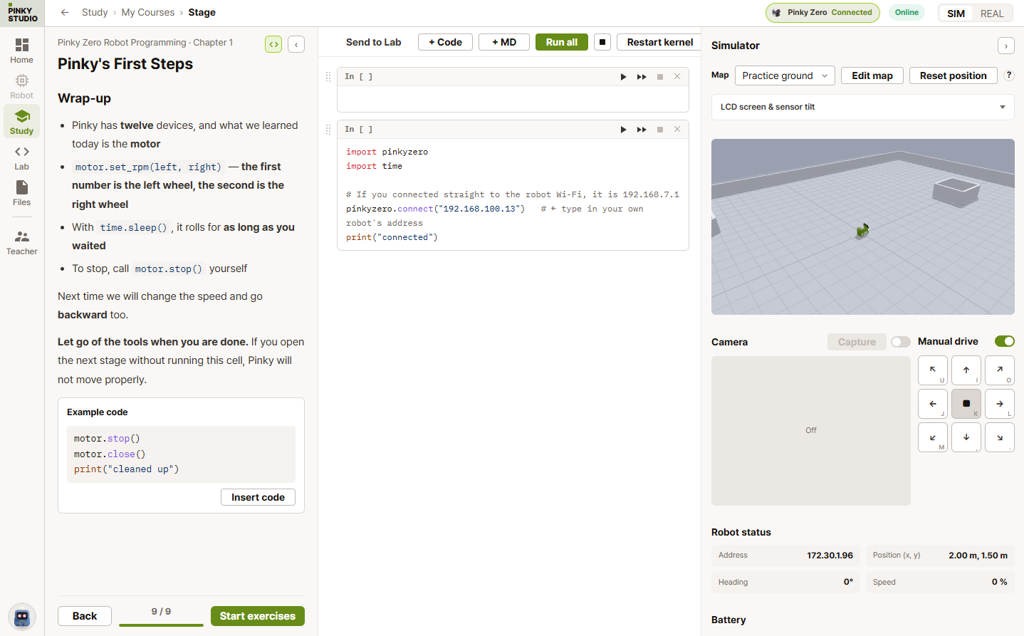
Code Directly on Your PC
Students run their code on a PC. One call to pinkyzero.connect() brings in sensor data, and the files they create stay on the PC.

Line Following and Obstacle Detection
Use five floor IR channels and four distance IR channels to follow black lines and navigate around obstacles.

Connect Through Expressions and Sound
Create interactive responses with 18 expressions, three NeoPixel LEDs, a speaker, and a microphone.
Code Anywhere
Learn Together
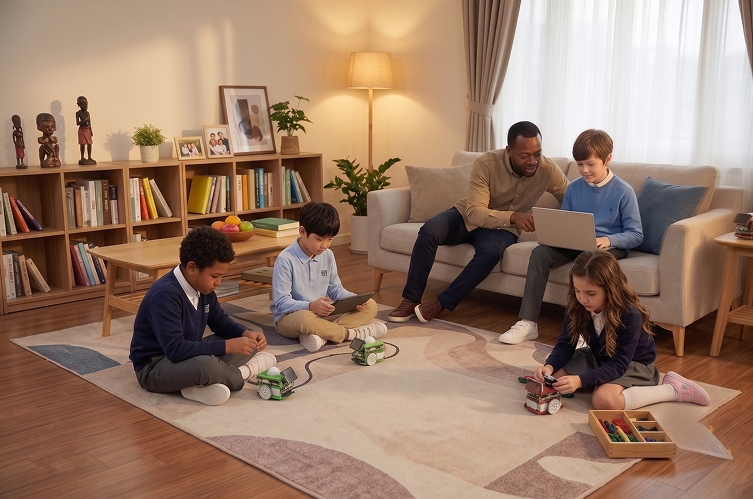
With just a laptop, start a robotics lesson anywhere in the classroom.

Architecture
Code on Your PC. Watch Your Robot Move.
Inside Pinky Zero, a server runs, while the control code executes on your PC.
Unlike Pinky Pro, which runs code on the robot, Pinky Zero does not require you to configure your development environment on the robot.
How Commands Travel
Connect Without Installation
Connect directly to the robot's access point (192.168.7.1) or through a router. Commands use JSON, and the server streams robot status at 30 Hz.
12 Control Modules
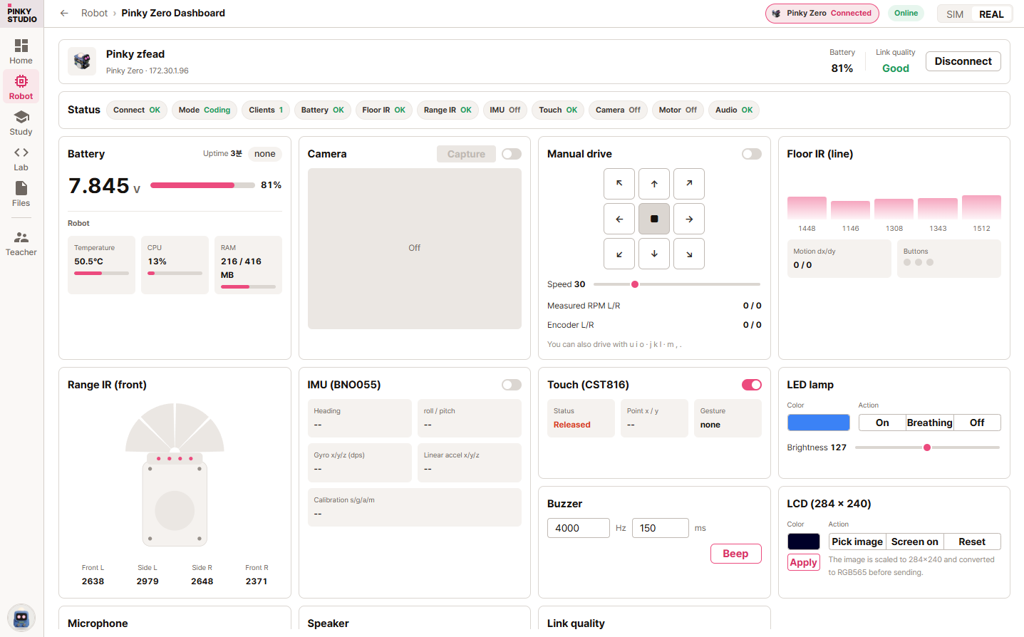
Control Battery, Button, Buzzer, Camera, IMU, IR, LCD, LED, Mic, Motion, Motor, and Speaker through the single pinkyzero library.
Safety Watchdog
If no update arrives within 0.7 seconds of the last motion command, the server stops the wheels. The library automatically refreshes the command every 0.2 seconds.
Expressions
Responds with 18 Expressions
Expression images are stored on the robot, so they change smoothly even over a slow connection.
Both English and Korean names are recognized: emotion("joy") and emotion("기쁨") perform the same command.
















Technical Specifications
Key Specifications











Specifications
Explore Pinky Zero
| Pinky Zero | Pinky Pro | |
|---|---|---|
| Where Student Code Runs | PC | On the robot (Jupyter) |
| Control Library | pinkyzero (bundled with the app) | pinkylib (installed on the robot) |
| Ultrasonic / LiDAR | None | Available |
| Floor IR | 5 channels | 3 channels |
| Where Created Files Are Stored | ~/pinky_ws on the PC | On the robot |
| Communication | WebSocket · Port 8765 · JSON commands | LCD | ST7789 · 284 × 240 |
| Default Address | 192.168.7.1 (robot access point) | Touch | CST816 · Coordinates · Gestures |
| Status Updates | Default 30 Hz push | Expressions | 18 (stored on the robot) |
| Drive | Left/right two-wheel differential drive | LED | NeoPixel × 3 (steady, blink, dim) |
| Encoder | 3,360 counts/revolution | Buzzer | Note names and melodies (maximum volume at 4 kHz) |
| Wheels | 28 mm radius · 176 mm per revolution | Speaker | MAX98357A (I2S) |
| Wheel Separation | 81.1 mm | Microphone | ICS-43434 (I2S) |
| Floor IR | 5 channels · 12-bit ADC | Camera | JPEG · Default 15 fps |
| Distance IR | 4 channels · 12-bit ADC | Battery | 8.4 V fully charged · 6.0 V minimum |
| IMU | BNO055 9-axis | Buttons | 3 (active-low) |
| Motion Sensor | PAT9125 optical (dx / dy) | Watchdog | 0.7-second motion command timeout |
Resources
Resource Hub
GitHub Repository
Explore source code and examples for the Pinky Zero control library, pinkyzero.

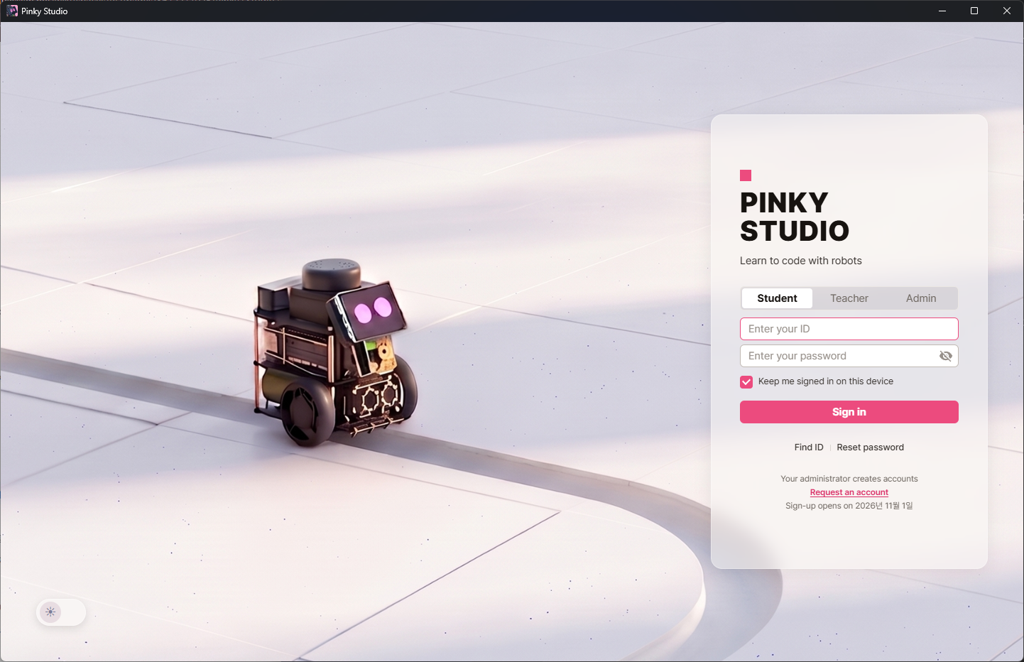
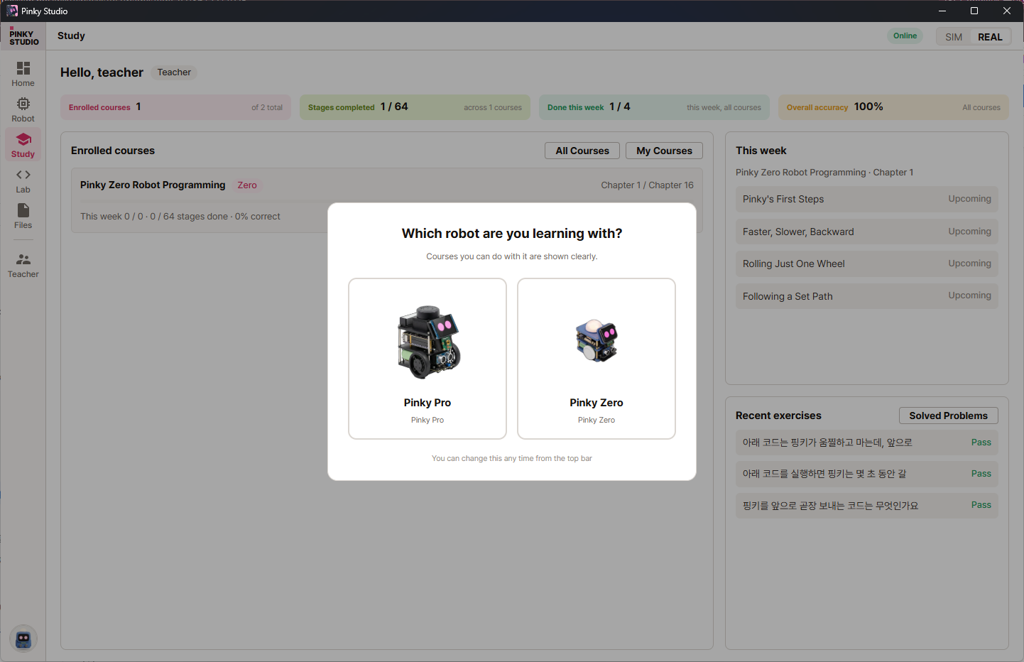
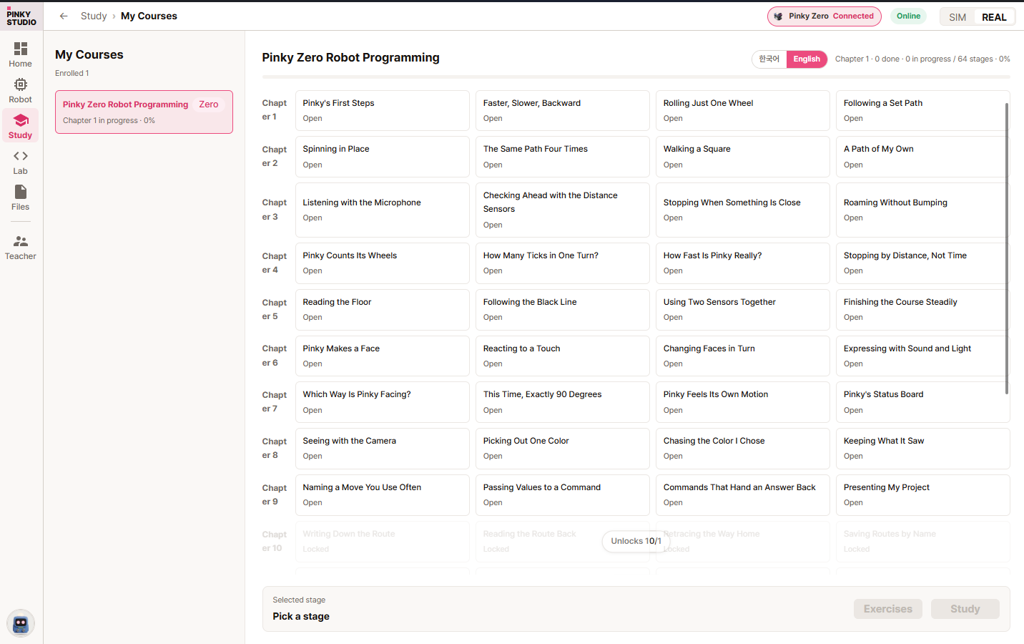
Pinky Studio
A desktop app with the library included, so you can code without a separate installation (Linux, macOS Apple Silicon, and Windows).
Pinky Assistants
Have a question about Pinky? Our dedicated ChatGPT-based assistant is here to help.

 v0.9.22
Download Pinky Studio
Choose your operating system.
We are currently in beta. If you have arranged access with us, request an account using the form below.
Request an Account If you have not arranged access yet, Contact Us and select Pinky Studio Beta Account Inquiry as your inquiry type.
Free account registration opens at the official release in November 2026.
For the full file listing, visit the download server.