
Pinky Studio

Learn to Code with Robots
A desktop app for controlling Pinky Pro and Pinky Zero directly from your PC.
Python and robotics libraries are included, so you can start coding without a separate installation.
Roadmap
Release Schedule
We are currently in beta. Try it out and share your feedback.
Beta Testing
We provide accounts on request so you can try the app in an environment like a real classroom.
Official Release
The official version will incorporate feedback collected during beta testing.
Features
Learn, Create, and Move — All in One App
Move from guided lessons to open-ended experiments and robot control in one workspace.
Step-by-Step Curriculum
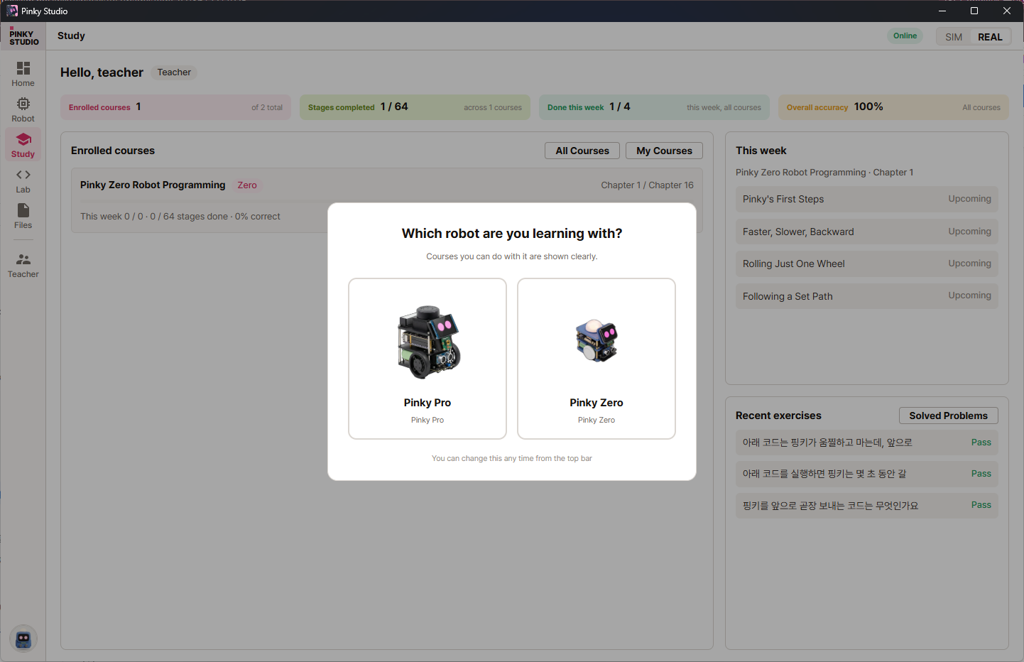
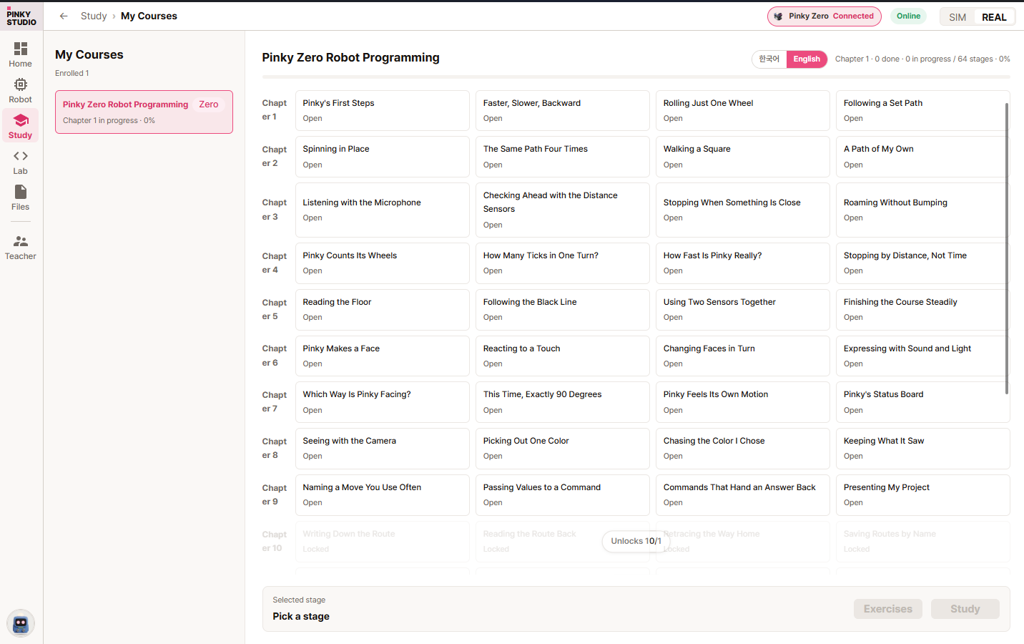
Follow the stages, run code yourself, and check your understanding with exercises. Your dashboard tracks progress and accuracy.
A Ready-to-Code Environment
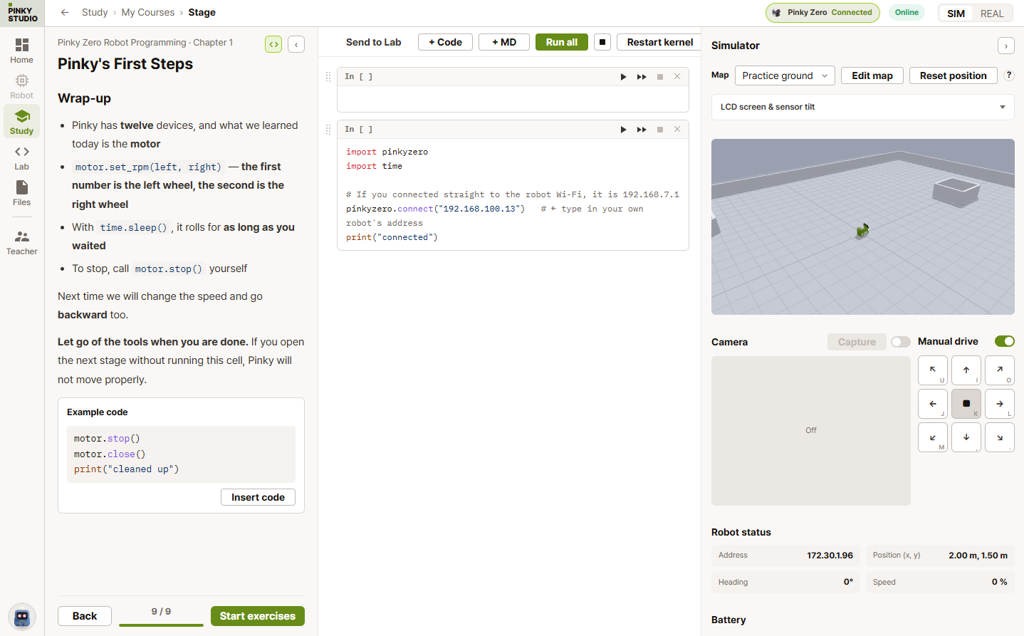
Python and the tools you need come with the app. Run code directly in the editor without installing anything else.
Robot Dashboard
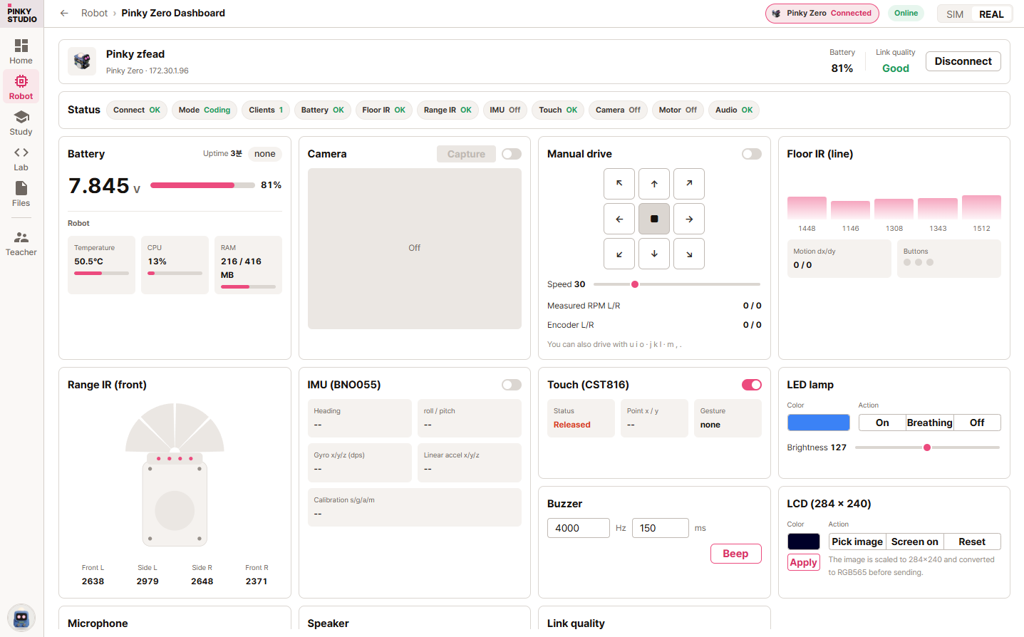
Monitor battery, IR, IMU, camera, and motor status in real time and control your robot on screen.
Built-In Simulator
Follow the curriculum even without a robot. The simulator moves at the same speed as the real robot.
Robot Wi-Fi Setup
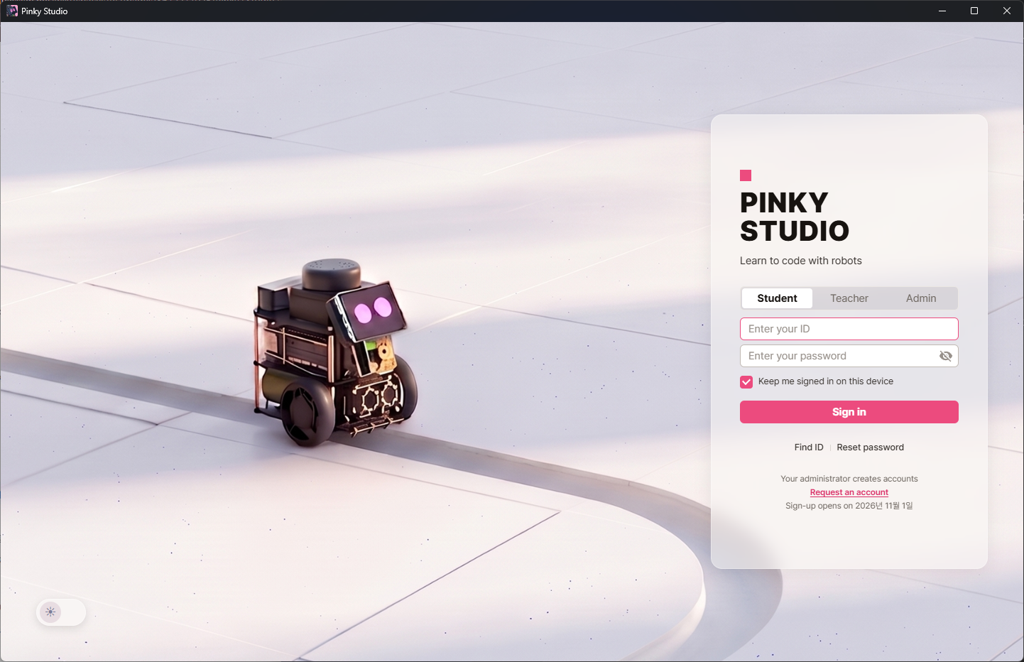
Choose your current Wi-Fi network to connect your robot. The app remembers its address for easier reconnection.
Save Your Creations
Photos, recordings, and text created with your code are collected in My Creations. View and listen to them inside the app.
Screens
Explore the App
Lessons, a lab, and a robot dashboard in one app.

Curriculum
Available Courses
Currently, Pinky Zero Robot Programming is the one available course.
Pinky Zero Robot Programming
Explore Pinky's devices one by one, from wheels to camera,
and build a creation that moves with your own code.
Course Stages
Chapters 1–8 Available now · Chapters 9–16 planned for OctoberDownload
Download v0.9.22
Choose your operating system.
The downloaded app may not open and may be reported as “damaged.” After installing, open Terminal and run the command below once to allow the app to open.
We are currently in beta.
Accounts are available only to users who have arranged access with us in advance.
complete the form below and we will create your account.
Request an Accountplease contact us first. Select Pinky Studio Beta Account Inquiry as your inquiry type.
Ask About RegistrationRegistration for the free version opens with the official release in November 2026.
For other inquiries, email contact@pinklab.art.